

Welcome, applicants to UC Santa Cruz!
The Admissions Portal is a secure portal where you can find your admissions status, and where – if you are admitted – you can begin the process of accepting your offer of admission. The portal will also guide you through the process of becoming a new Banana Slug, with important information about deadlines and next steps.

1. Claim your CruzID - go to CruzID Manager and follow the instructions to claim your account and set your CruzID Gold password. You will need your CruzID and Student ID Number, which will be sent to you in the email acknowledging your application.
2. Log into the Admissions Portal at ucsc.link/adm-portal. We suggest setting up your CruzID Gold Password soon after applying to UCSC, so you can begin using the portal immediately. Be sure to remember your login information as your Admissions Portal is where you will see your admission decision.
For questions about claiming your CruzID, please contact UC Santa Cruz ITS by filing a ticket through our SlugHub system (you can log in as a guest), or by calling 831.459.HELP (4357).
A primary feature of your Admissions Portal is your application status tracker.
If you’ve applied, but your decision hasn’t been released yet, you will see the following on your tracker:
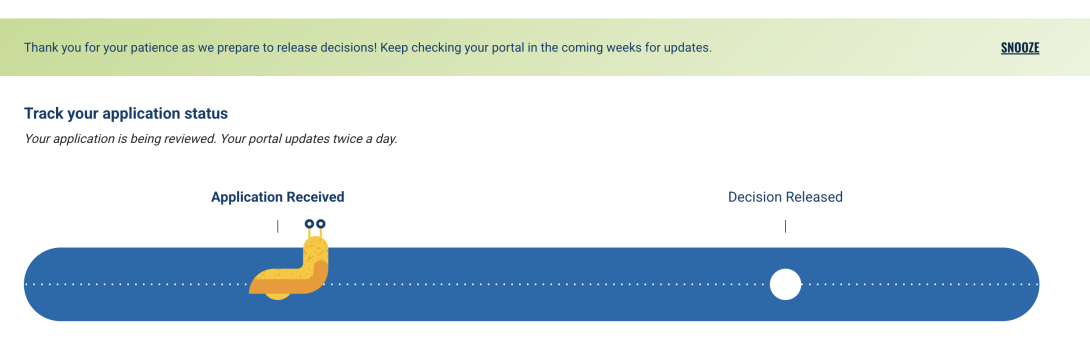
If your decision has been released, you will see the following on your tracker:

If you have been admitted, and you viewed your Admissions Letter, you will see the following:
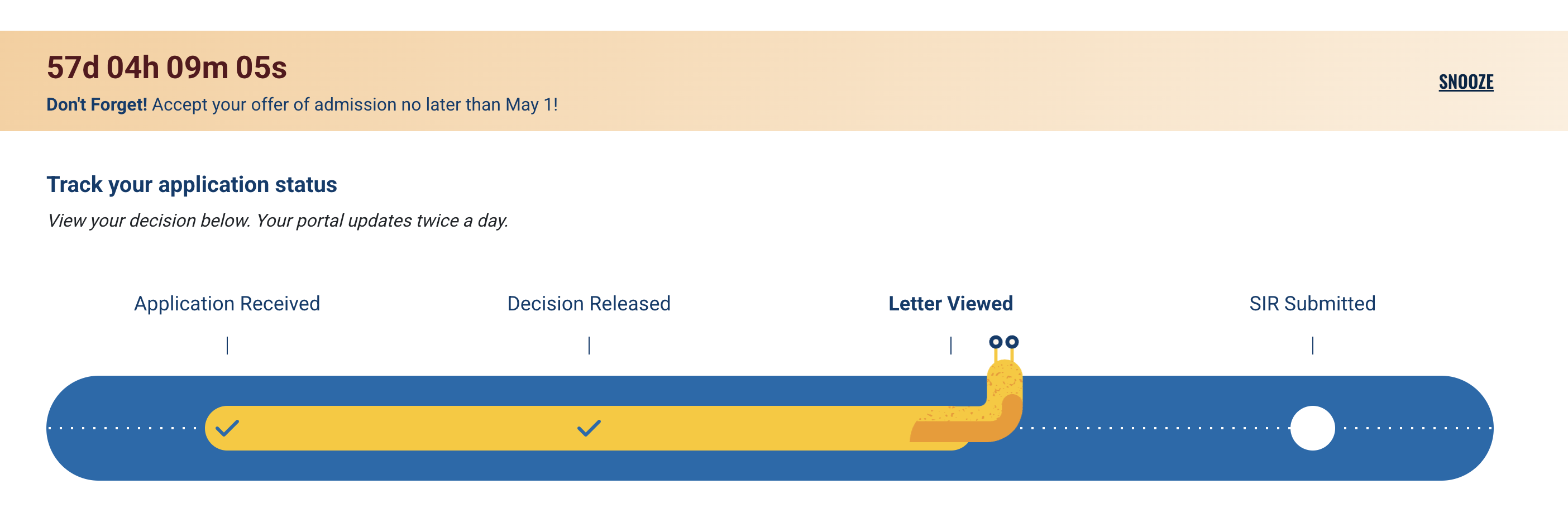
And if you have accepted your offer of admission (submitted your Statement of Intent to Register), you will see this:

If your application has been denied or waitlisted, your Admissions Portal will also clearly outline your new status and your next steps.